> ## Documentation Index
> Fetch the complete documentation index at: https://docs.rubbrband.com/llms.txt
> Use this file to discover all available pages before exploring further.
# Controlnet Preprocess Node
> The Controlnet Preprocess Node shows the outputs of various pre-processors for Controlnet
## Canny Edge Controlnet Preprocess Node
Creates an edge map from the base image.
 **Inputs**
The base image to process
**Settings**
A number between 0 and 255, that is a threshold for strong edges. Any pixel
value higher than the threshold is taken as a "strong edge".
A number between 0 and 255, that is a threshold for weak edges. Any pixel
value lower than the threshold is not taken as an edge
This setting only has an effect when used in a Controlnet Node, not a
Controlnet Preprocessor Node.
**Outputs**
The output image after pre-processing
## Depth Map Controlnet Preprocess Node
Creates a depth map from the base image.
**Inputs**
The base image to process
**Settings**
A number between 0 and 255, that is a threshold for strong edges. Any pixel
value higher than the threshold is taken as a "strong edge".
A number between 0 and 255, that is a threshold for weak edges. Any pixel
value lower than the threshold is not taken as an edge
This setting only has an effect when used in a Controlnet Node, not a
Controlnet Preprocessor Node.
**Outputs**
The output image after pre-processing
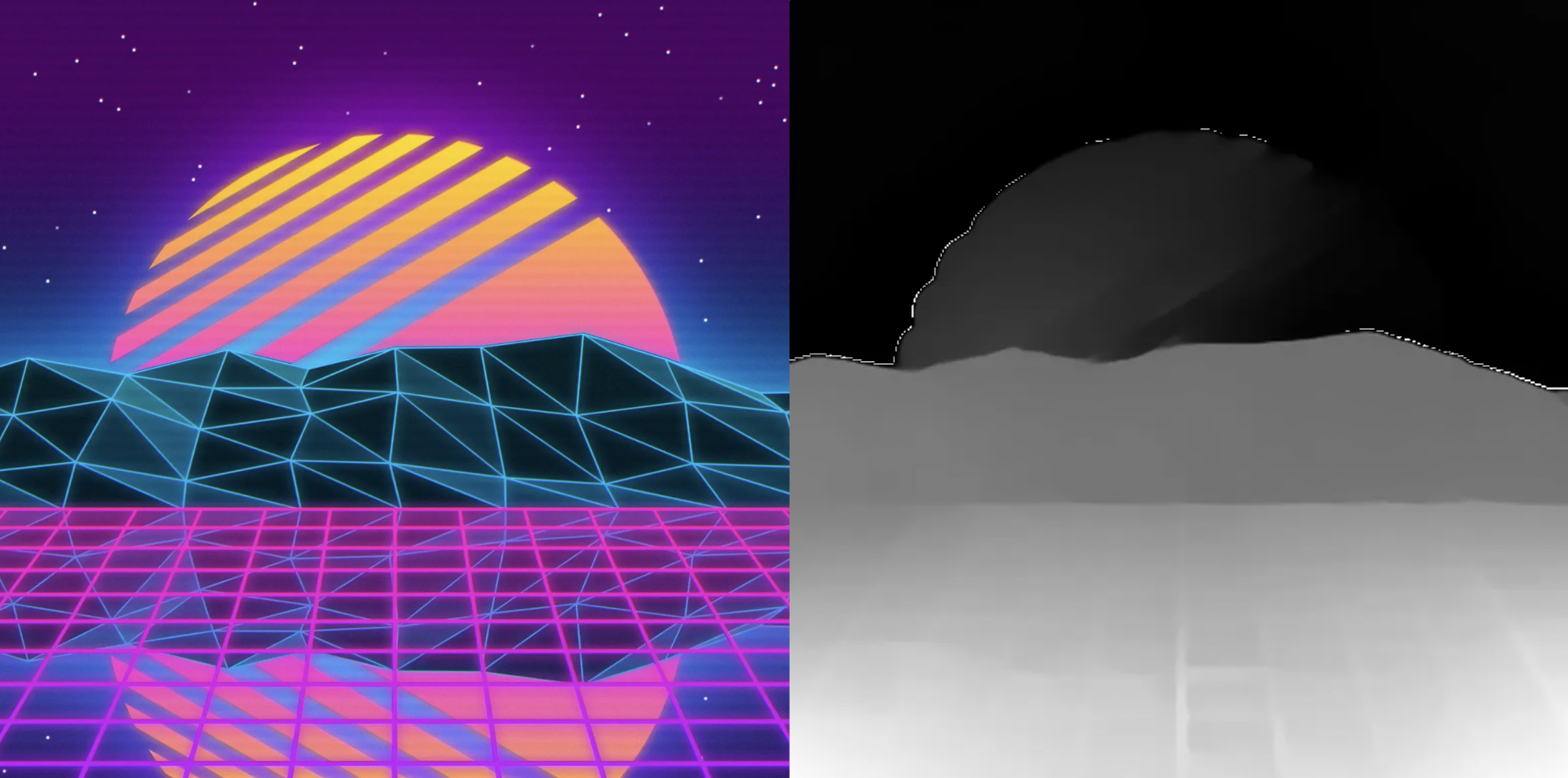
## Depth Map Controlnet Preprocess Node
Creates a depth map from the base image.
 **Inputs**
The base image to process
**Outputs**
The output image after pre-processing
## HED Map Controlnet Preprocess Node
Creates a "soft-edge" map using the base image. It's a map that isn't as pointed as a canny edge map, but instead highlights the higher level contours of the image.
**Inputs**
The base image to process
**Outputs**
The output image after pre-processing
## HED Map Controlnet Preprocess Node
Creates a "soft-edge" map using the base image. It's a map that isn't as pointed as a canny edge map, but instead highlights the higher level contours of the image.
 **Inputs**
The base image to process
**Outputs**
The output image after pre-processing
## Segmentation Map Controlnet Preprocess Node
Creates a map that segments various objects of the image.
**Inputs**
The base image to process
**Outputs**
The output image after pre-processing
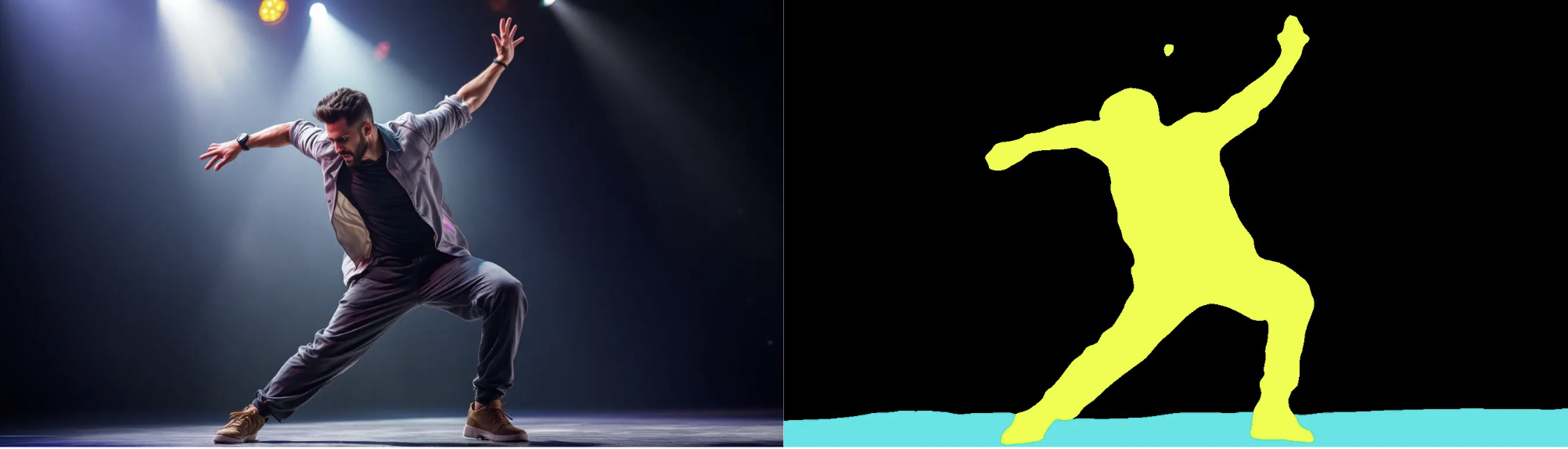
## Segmentation Map Controlnet Preprocess Node
Creates a map that segments various objects of the image.
 **Inputs**
The base image to process
**Outputs**
The output image after pre-processing
## OpenPose Controlnet Preprocess Node
Creates a stick-figure of the underlying subject in the pose from the image.
**Inputs**
The base image to process
**Outputs**
The output image after pre-processing
## OpenPose Controlnet Preprocess Node
Creates a stick-figure of the underlying subject in the pose from the image.
 **Inputs**
The base image to process
**Settings**
If turned on, the pose will also take the position of the fingers of the hand
into account.
This setting only has an effect when used in a Controlnet Node, not a
Controlnet Preprocessor Node.
**Outputs**
The output image after pre-processing
**Inputs**
The base image to process
**Settings**
If turned on, the pose will also take the position of the fingers of the hand
into account.
This setting only has an effect when used in a Controlnet Node, not a
Controlnet Preprocessor Node.
**Outputs**
The output image after pre-processing